VastPilot
Documentation
Explore the features and usage of VastPilot with screenshots and guides.
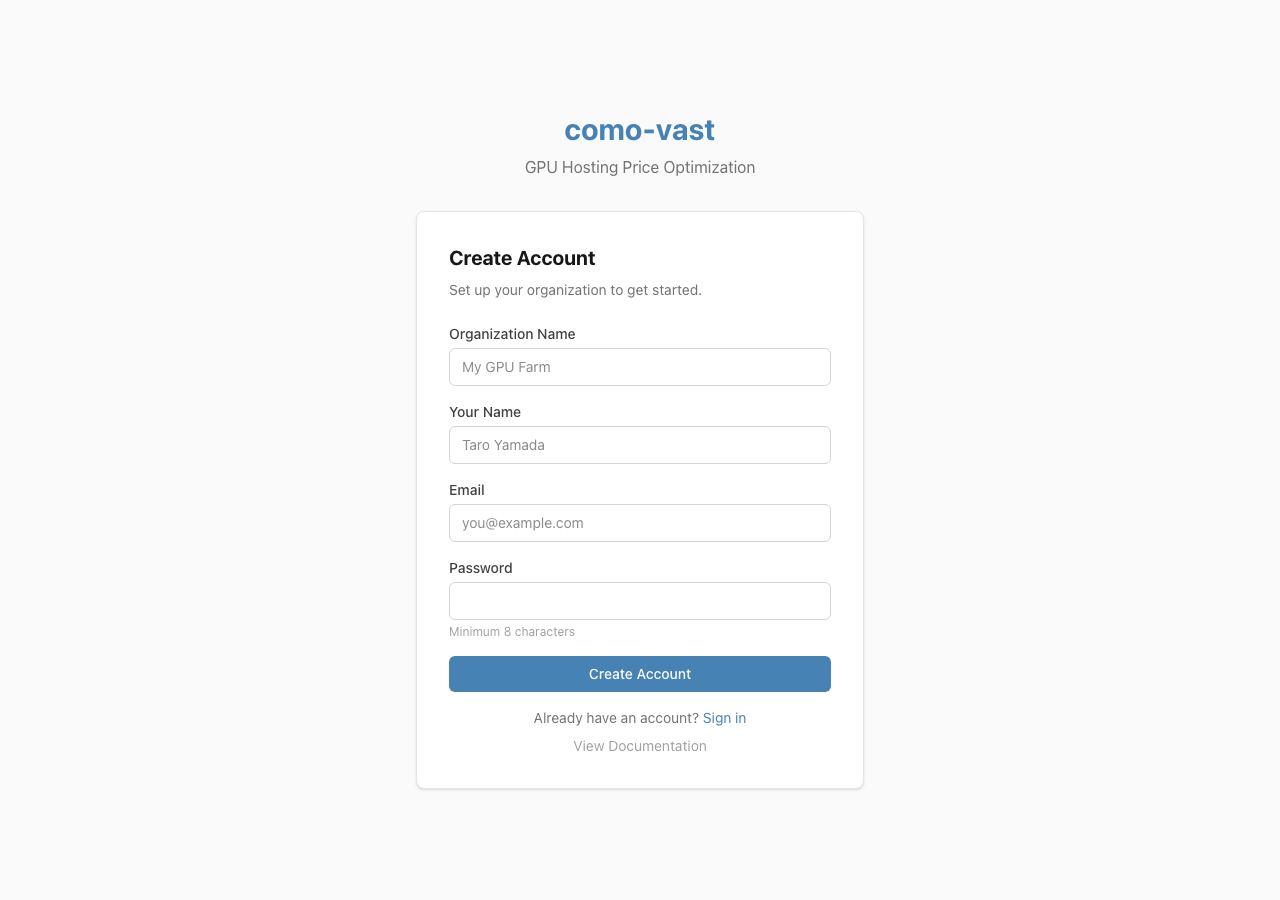
Sign Up
Account creation page. Enter your organization name, username, email, and password to register. VastPilot uses a multi-tenant architecture where each organization manages its own machines and API keys.
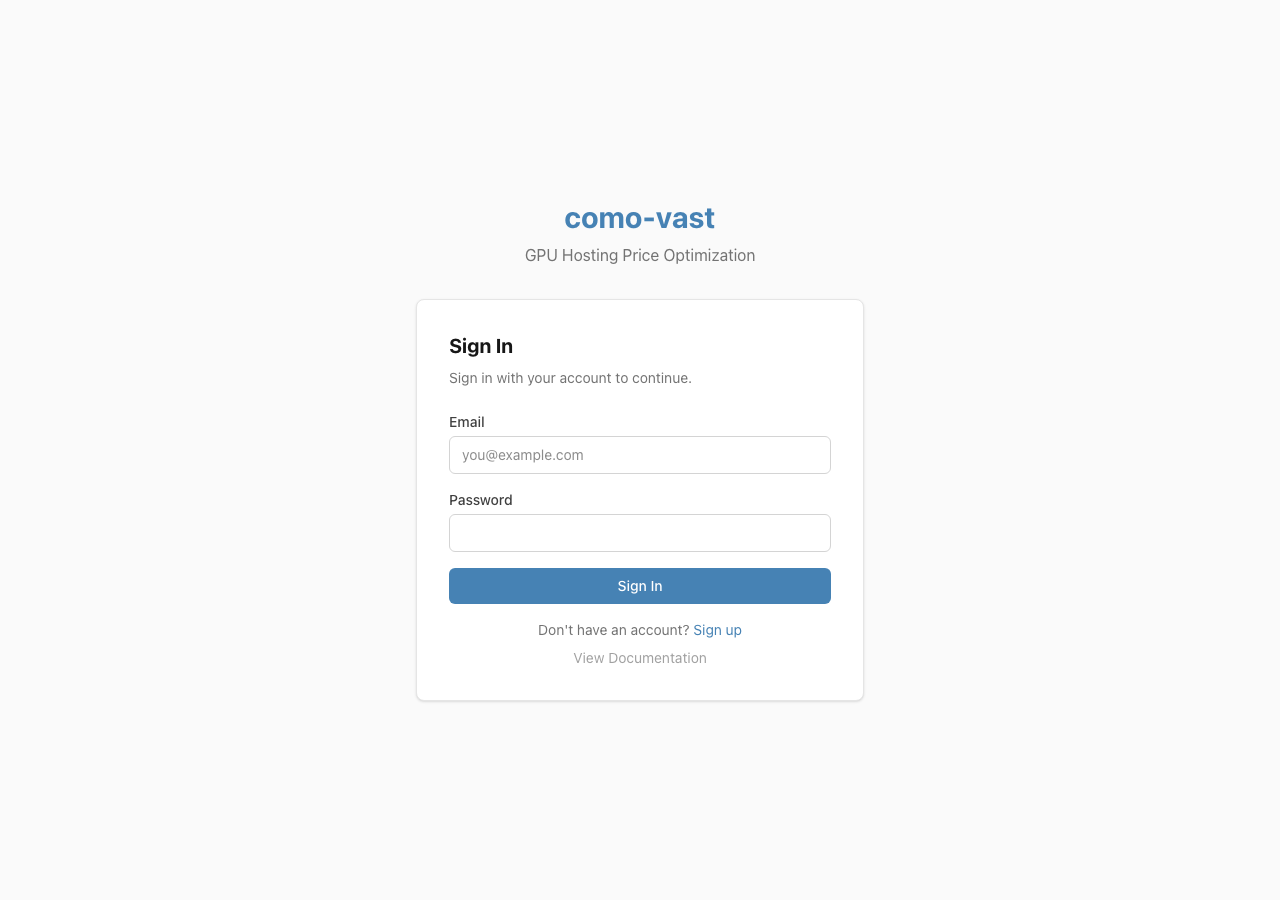
Login
Sign in with your registered email and password. After authentication, you are redirected to the dashboard where you can immediately view your fleet status.
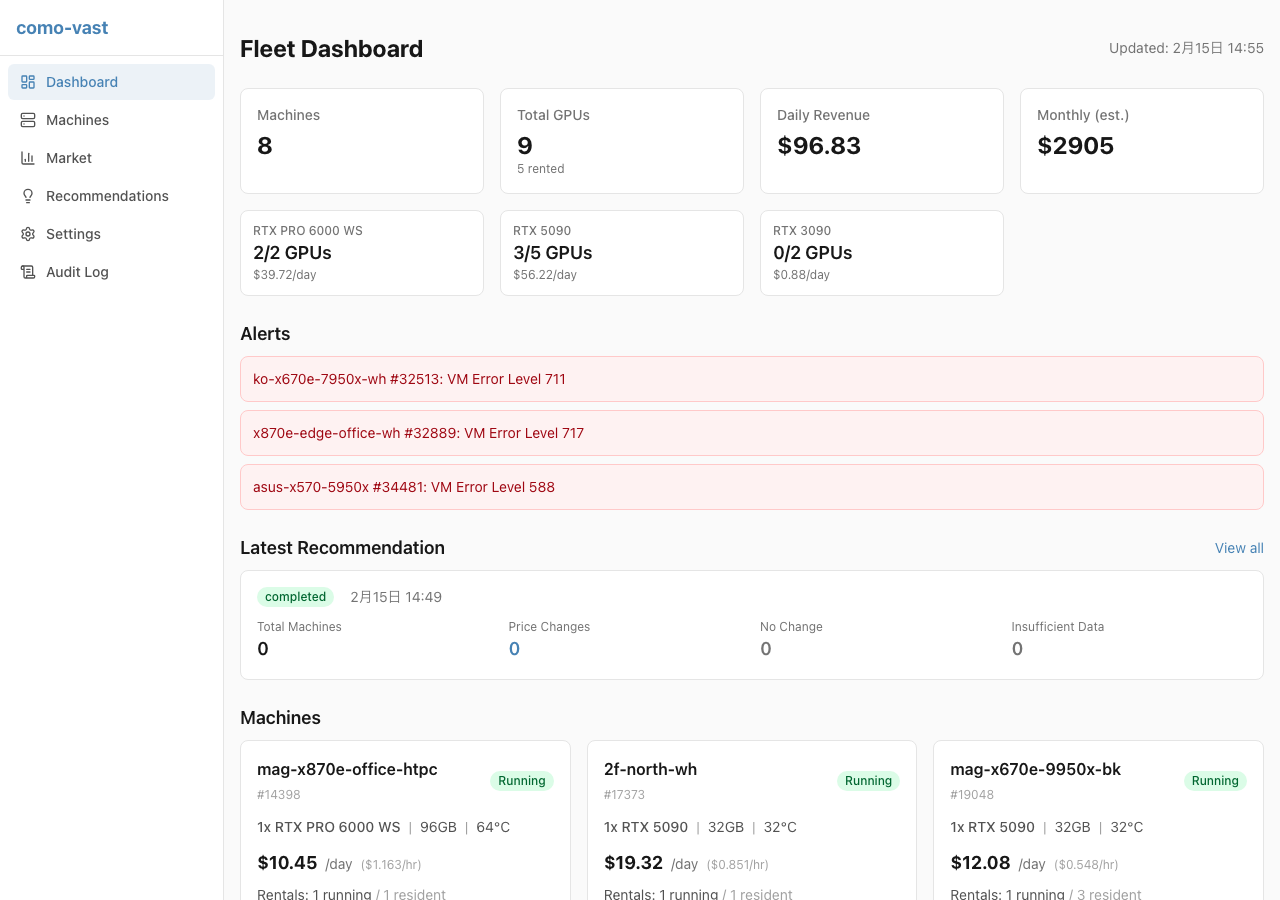
Fleet Dashboard
A dashboard for quick fleet overview. View machine counts, GPU utilization, and daily/monthly revenue summaries. Check alerts for machines with issues and navigate to detail pages from machine cards.
Machines
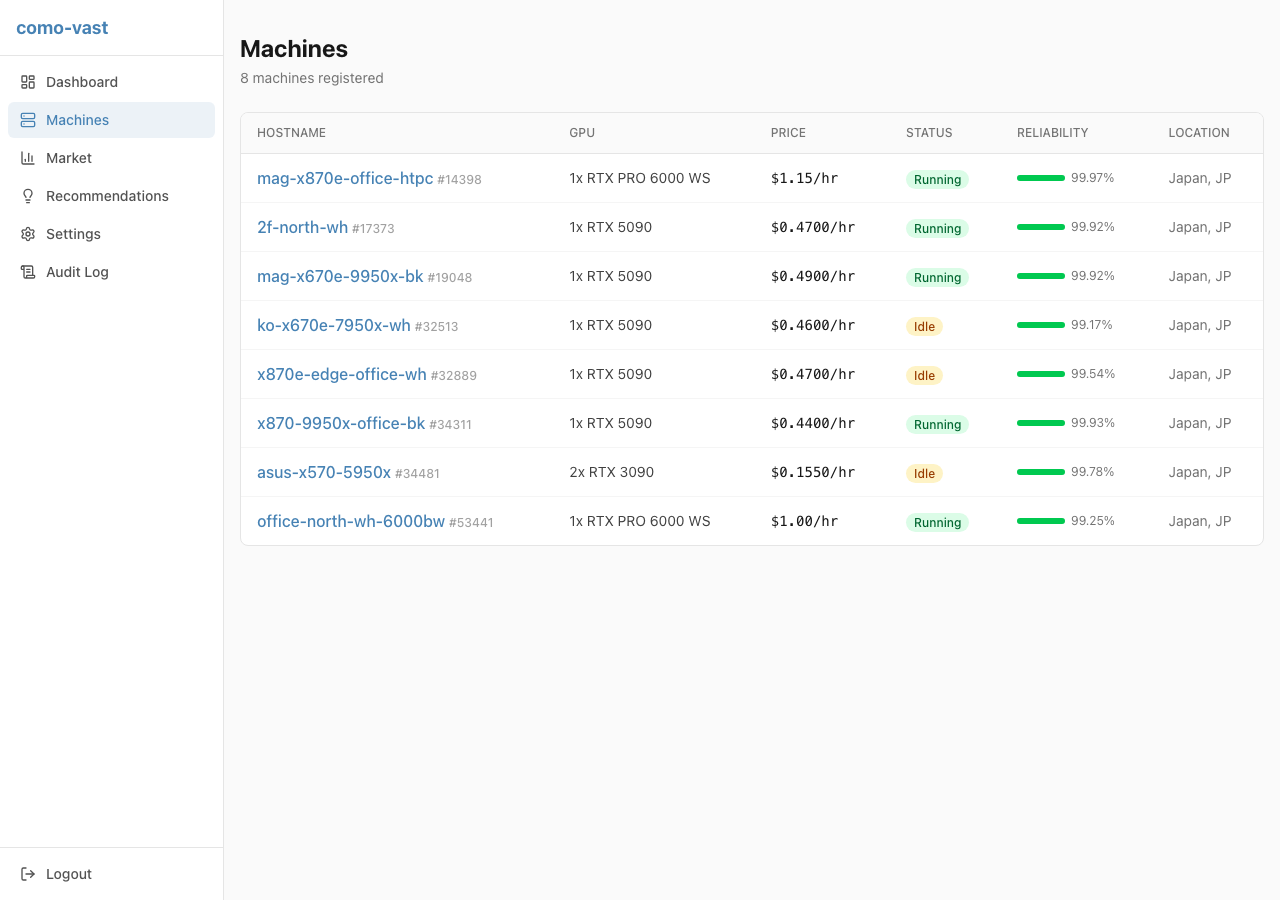
Manage registered machines in a table format. View hostname, GPU type, current price, status, reliability score, and location at a glance. Click any machine name to see price history and percentile charts.
Settings
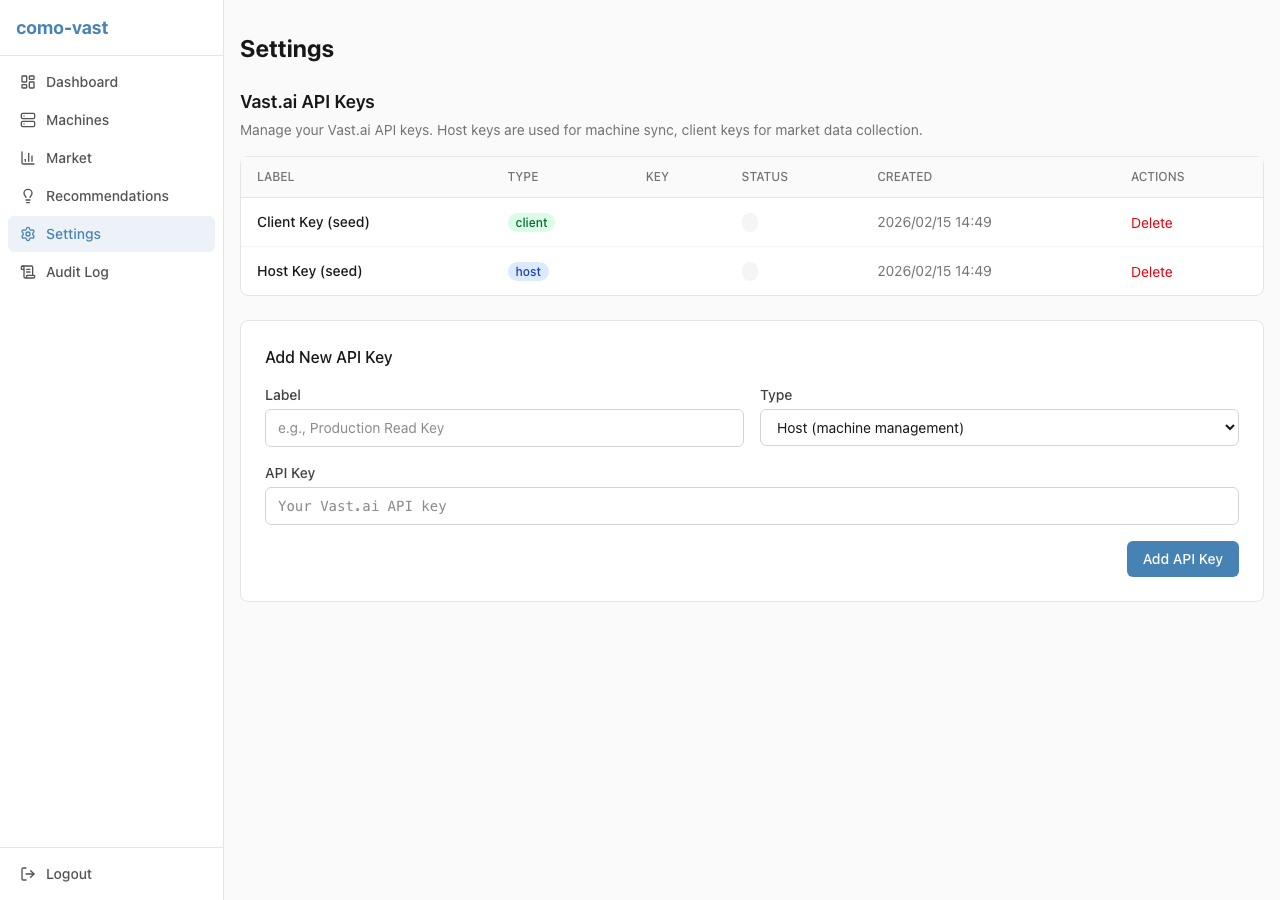
Manage Vast.ai API keys. Register host keys (for machine management) and client keys (for market data collection) separately. Keys are encrypted with AES-256-GCM. View status, key type, and delete unused keys.
Market Data
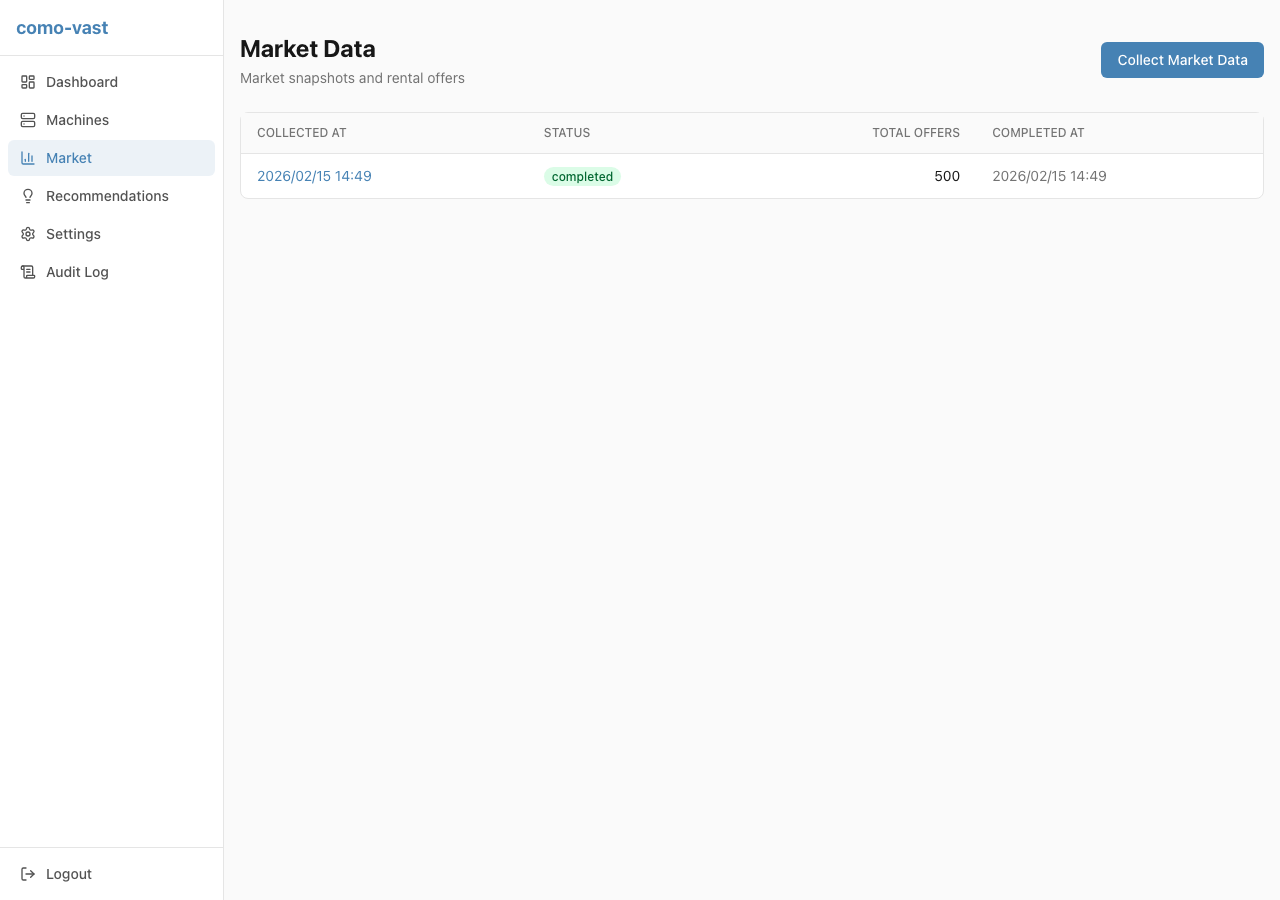
Collect and browse Vast.ai marketplace price data. View market trends for rental offers per snapshot. Use "Collect Market Data" for manual collection, or rely on the scheduler for automatic periodic collection.
Recommendations
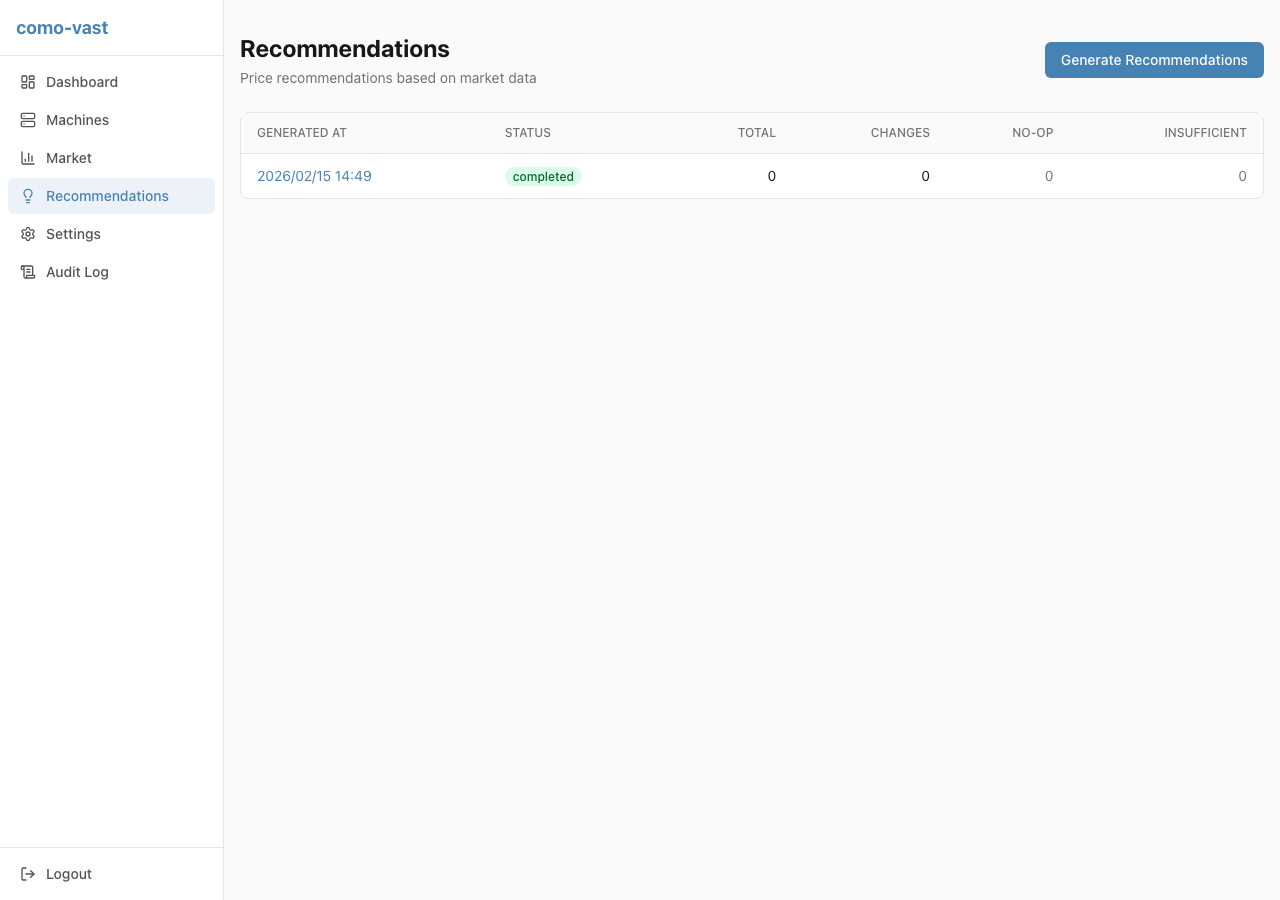
View price optimization suggestions based on market data. Recommended prices are calculated from percentile prices within peer groups (same GPU type and count). Generate new batches and review price changes, no-ops, and insufficient data breakdowns.
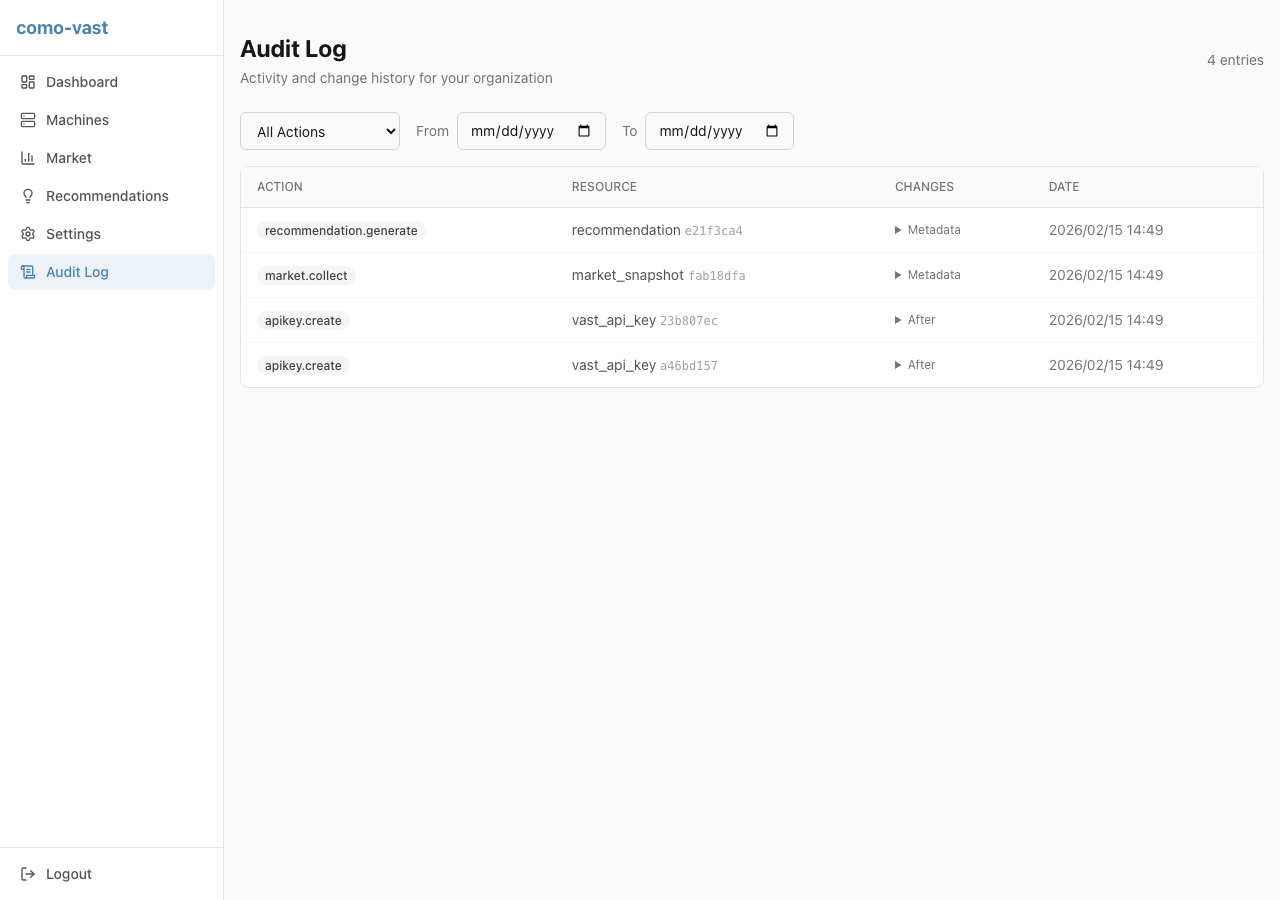
Audit Log
A chronological record of all operations. Machine syncs, market data collection, price changes, and other actions are logged with timestamps. Review before/after JSON for compliance and troubleshooting.